

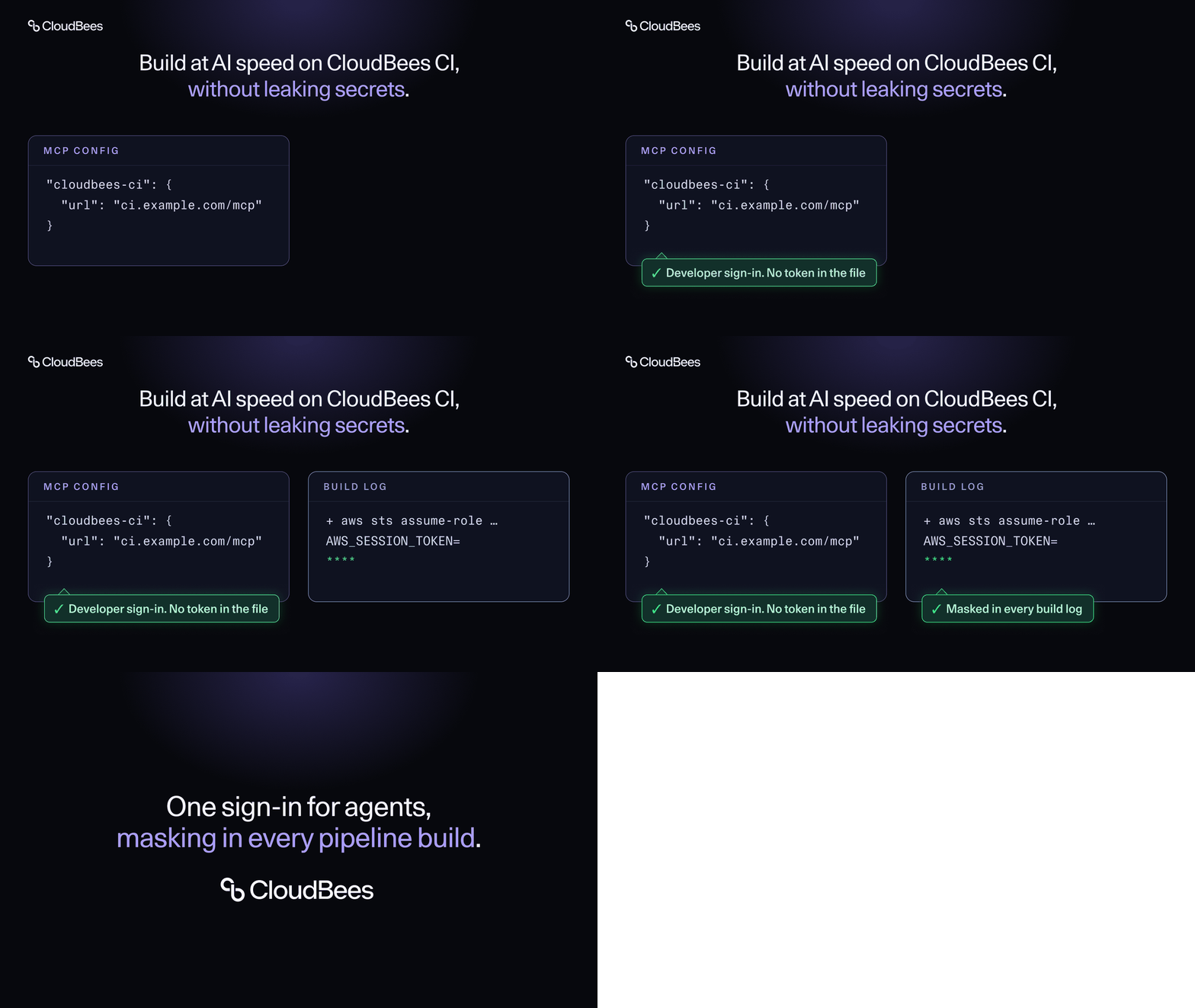
AI coding agents now open pull requests, trigger builds, read test results and ask CI why a pipeline failed. Each agent is another identity reaching into your delivery system, and each short-lived cloud credential a Pipeline creates is another secret that can end up in front of many people.
AI adoption is moving faster than the controls around it. In the CloudBees 2026 State of Code Abundance report, 92% of tech leaders said their AI-generated code is ready for production, and 81% said production issues from that code are rising. Credentials are often where that gap shows first: every new agent connection and every runtime token is one more secret to manage.
Credentials usually leak through plain text: a token echoed into a build log, or an API token pasted into a configuration file and left there for months.
CloudBees CI now closes both gaps with two capabilities in its September 30, 2026 release: OAuth authentication for the CloudBees CI MCP Router, and CloudBees Mask Secrets. With the first, developers connect AI agents to CloudBees CI by signing in with the identity they already use, and agents get short-lived, revocable access to every controller that user can reach. The second, now generally available, hides the credentials Pipelines create at runtime before anyone reads the log, and can stop any build that tries to print one. Platform teams can say yes to AI agents and cloud-native Pipelines without adding secrets they can't track.
With this release, platform teams can do four things they couldn't before:
- Give every developer one sign-in that connects their AI agent to all the CloudBees CI controllers they can access, with no API tokens to issue, rotate or chase down.
- Cut off an agent from the user's profile, without hunting for wherever a token was copied.
- Let Pipelines use short-lived AWS and GCP credentials safely, knowing they're masked in every build log.
- Fail any build that prints a secret, without editing a single Pipeline.
Credentials in the AI era
AI agents need credentials to reach CloudBees CI, and Pipelines need them to reach the cloud. MCP Router OAuth authentication and CloudBees Mask Secrets apply the same principle to both: credentials tied to a real identity, short-lived, and kept out of view.
Use short-lived cloud credentials without leaking them
Short-lived credentials are the right pattern for cloud access, and modern Pipelines mint them constantly. They create credentials while they run, such as AWS STS tokens, ECR passwords, GCP access tokens and JWTs. CloudBees CI can't mask a value if it doesn't know it's a secret, so a single stray echo writes that token to the build log in plain text.
The new CloudBees Mask Secrets plugin matches patterns instead of known values. Administrators configure the patterns once on the controller, and they apply to every Pipeline build. Pipeline authors don't need to change anything.
- Stock patterns cover common ephemeral formats: AWS STS access key IDs, AWS secret access keys, AWS session tokens, ECR login tokens, GCP OAuth tokens, and JWTs.
- Custom patterns cover your own token formats. You write each one as a Java regular expression and give it a name, which appears in warnings and failure messages.
To enforce good habits, turn on Fail build on match for a pattern. The build then fails whenever that secret appears in the log, and the Pipeline author fixes the root cause.
Masking is a best-effort safety net against accidental exposure, and the FAQ below covers its limits. The best practice is still to keep secrets out of logs in the first place.
The plugin requires CloudBees CI 2.528.1.29783 or later. See the Mask Secrets documentation for setup details.
Roll out AI agents to every developer, with security on board
The CloudBees CI MCP Router gives AI agents a single Model Context Protocol (MCP) endpoint for all the controllers in your CloudBees CI cluster. You configure only the Router in your MCP client, and it sends each request to the controllers the user has access to.
Until now, connecting an agent to the Router took three manual steps: generate an API token in CloudBees CI, Base64-encode it into an Authorization header, and paste that header into the AI client's configuration file. The setup was error-prone, and it left a long-lived credential in a plain-text file on the developer's machine. Anyone who got a copy of that file could use the token until it was revoked. The approach also didn't match how the MCP specification handles authorization.

With OAuth, the flow is:
- Point your AI agent at the Router.
- On first use, a browser tab opens on the CloudBees CI sign-in page.
- Sign in with the identity you already use for CloudBees CI and approve access for the AI client.
- The agent receives a short-lived access token and a refresh token, and renews the access token in the background.
The developer never copies a secret, and nothing long-lived is written to a configuration file. Sign-in goes through the security realm already configured in CloudBees CI (LDAP, SAML, OIDC, or the built-in user database), so there is no extra identity provider to deploy or user store to manage.
Each user can see the AI clients they've authorized from their CloudBees CI user profile and revoke any of them. A revoked client loses access when its current short-lived access token expires. Behind the scenes, the Router gets a separate short-lived token for each controller it calls, so the agent's own token never leaves the Router.

Migrate on your own schedule
Existing API-token configurations keep working. Administrators choose one of three Router modes and decide when to move to the next:
- Legacy passthrough: only API tokens are accepted. This is the behavior before the upgrade.
- Coexistence: OAuth clients and API-token clients work side by side on the same Router.
- OAuth-only: API-token requests are rejected with an error that points to the OAuth flow.
If you already use the Router with API tokens, coexistence mode lets you try OAuth without disrupting current users. The configuration steps are in the CloudBees CI MCP Router documentation.
Why CloudBees CI
Open-source Jenkins masks credentials from its credentials store and offers an MCP Server plugin on each controller. For enterprises running many controllers and rolling out agents to hundreds of developers, CloudBees CI adds what's missing, so your Jenkins estate can build at AI speed:
- One endpoint for your whole estate. Developers connect their AI agent to the MCP Router once, and the Router reaches every controller the user can access, so there is one server to configure.
- Identity built in. Operations Center runs the OAuth authorization server against your existing security realm, following the MCP authorization specification, with no separate identity provider to run.
- Runtime secrets covered. CloudBees Mask Secrets covers the credentials Pipelines generate on the fly, configured centrally for every Pipeline.
Frequently asked questions
What does Mask Secrets mask?
Credentials that Pipelines create while they run and that are never stored in the Jenkins credentials store, such as AWS STS access key IDs, AWS secret access keys, AWS session tokens, ECR login tokens, GCP OAuth tokens and JWTs. It masks them in Pipeline build logs and step arguments.
Jenkins already masks credentials. What's different?
Jenkins masks credentials bound from its credentials store, but it can't mask a value it has never seen. Mask Secrets matches patterns instead of known values, so it catches tokens minted at runtime.
Do Pipeline authors need to change their Pipelines?
No. Administrators configure the patterns once on the controller, and they apply to every Pipeline build.
Can I stop builds that print a secret?
Yes. Turn on Fail build on match for a pattern, or set failBuild: true in Configuration as Code. The build fails when that secret appears, so the author fixes the root cause.
Does masking guarantee secrets never leak?
No. Masking is a secondary, best-effort defense against accidental exposure. A malicious Pipeline author can bypass it. Transformed values, such as Base64-encoded or shell-escaped secrets, aren't matched. Output from sh, bat, powershell and pwsh steps is written to a temporary file on the agent before masking.
Which AI clients can connect to the MCP Router?
The MCP Router documentation has connection guides for Claude Code, GitHub Copilot, Goose and Kiro.
Does the agent's token reach my controllers?
No. The Router validates the agent's token, then gets a separate, short-lived token scoped to each controller on the user's behalf. The agent's token never leaves the Router.
How do I cut off an AI client?
Each user sees the AI clients they've authorized in their CloudBees CI user profile and can revoke any of them. A revoked client loses access when its current access token expires.
Get started
Both features are available in the CloudBees CI release of September 30, 2026. Upgrade, configure your masking patterns, and switch the Router to coexistence mode to try OAuth.
Rolling out AI agents across your teams? Talk to your CloudBees account team about connecting them to CloudBees CI.

